Guides
Factory tours budgeting maintenance plan: how U.S. operators can prepare for 2027
Factory tour maintenance planning for 2027 helps U.S. operators maintain routes, signs, visitor equipment, content, access conditions, inspections, and records.
A factory tour needs maintenance even when production is unchanged. Routes wear, signs fade, visitor equipment goes missing, content becomes outdated, and a once-clear boundary can become confusing after a layout, staffing, or schedule change. A maintenance plan keeps the tour aligned with the conditions visitors actually encounter.
This guide describes a practical maintenance framework for an active factory, a historic industrial site, or a controlled visitor experience in the United States. It is not a substitute for facility-specific safety procedures, manufacturer instructions, or qualified professional advice.
What to take away
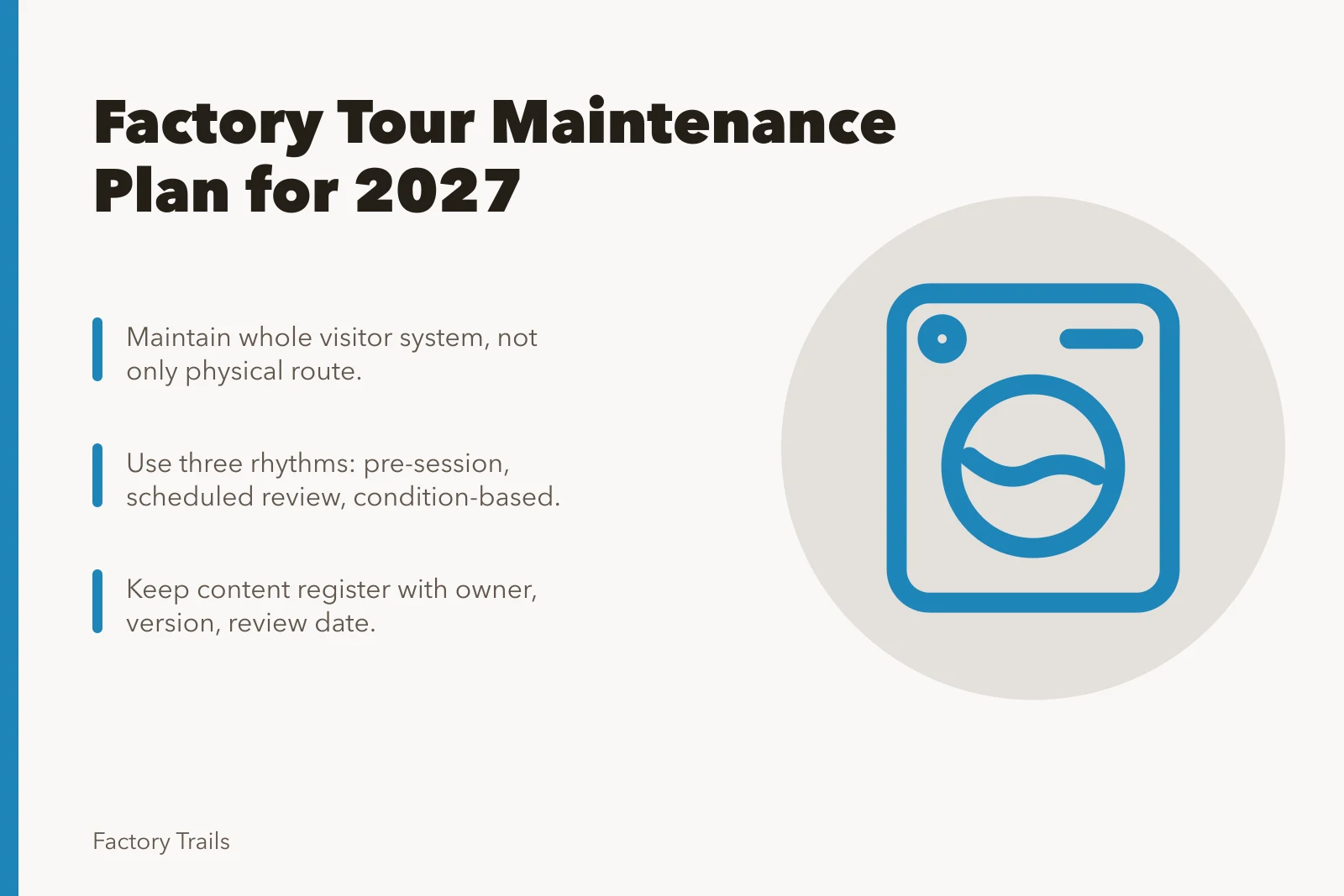
- Maintain the whole visitor system, not only the physical route.
- Assign frequencies based on condition, use, and responsible expertise.
- Record defects, corrections, and changes before the next public session.
- Treat content, access information, and fallback instructions as maintainable assets.
Define what the tour system includes
The National Park Service interpretive-planning program describes planning around visitors and intended outcomes. Apply that structure to program maintenance: keep the visitor purpose, active route description, host materials, arrival information, and alternate format current. This is not a facility maintenance standard. It is a way to make sure the visitor system still delivers the experience the program promises.
Tour system components
- Visitor routewalkways, viewing points, handrails, doors, queue areas
- Interpretationhost script, signs, labels, maps, audio, video
- Visitor equipmentprotective items, radios, seating, sanitation supplies
- Operations interfacetour calendar, access windows, production notices
- Information channelsbooking page, confirmation email, arrival message
- Recordsinspection log, defect list, work orders, route versions
Begin by listing every component that makes the public experience possible. A team often maintains the floor but overlooks the booking message, visitor map, equipment storage, or recorded content that tells guests what to expect.
| System area | Examples |
|---|---|
| Visitor route | Walkways, viewing points, handrails, doors, queue areas, exits, and barriers |
| Interpretation | Host script, signs, labels, maps, audio, video, and digital pages |
| Visitor equipment | Protective items, radios, seating, sanitation supplies, stanchions, and check-in tools |
| Operations interface | Tour calendar, access windows, production notices, maintenance shutoffs, and backup route |
| Information channels | Booking page, confirmation email, event listing, arrival message, and onsite notices |
| Records | Inspection log, defect list, work orders, route versions, and content-review dates |
Assign an owner for each area. The program lead may own the integrated plan, but maintenance, operations, safety, visitor services, and communications should own the pieces they are qualified to update. One person's memory is not a maintenance system.
Use three maintenance rhythms
Not every task belongs on the same calendar. Organize work by the condition that triggers it.
Three maintenance rhythms
Before each session
- Trigger
- Each session
- Purpose
- Confirm route usable today
- Examples
- Signs, meeting point, restrictions
Scheduled review
- Trigger
- Calendar interval
- Purpose
- Catch wear and drift
- Examples
- Barriers, lighting, content accuracy
Event-driven review
- Trigger
- Material change
- Purpose
- Respond to change
- Examples
- Production change, weather, incident
| Rhythm | Purpose | Examples |
|---|---|---|
| Before each session | Confirm the route can be used as promised today | Check visible route conditions, signs, meeting point, visitor equipment, and current access restrictions |
| Scheduled review | Catch wear and drift before they change the experience | Inspect barriers, lighting, printed material, content accuracy, supplies, and route capacity assumptions |
| Event-driven review | Respond to a material change | Production change, construction, incident, weather event, updated visitor rule, or content becoming inaccurate |
Do not select frequencies simply because another site uses them. A busy tour route may need more frequent attention than a periodic invited program. A qualified team should determine what inspections and procedures apply to the facility and its equipment.
The Occupational Safety and Health Administration recommends regular workplace inspections and notes that changes, worn equipment, neglected maintenance, and declining housekeeping can introduce hazards. Its hazard-identification guidance also advises documenting inspections so hazardous conditions can be verified as corrected. For a tour program, that supports a basic practice: inspect the visitor-facing system, document the condition, assign correction, and do not reopen a problem area based on assumption.
Make the pre-session check short and usable
A host should be able to complete the pre-session check without turning it into a stack of paperwork. Use a short route-specific form with only the conditions that could prevent the planned experience.
Pre-session check questions
- Is the approved route available and free of new restrictions?
- Are barriers, signs, lighting, doors, and visitor equipment serviceable?
- Does the visitor message match route and operating conditions?
- Is the fallback route or explanation available if a stop closes?
- Has an operations, safety, maintenance, or weather notice changed today?
If a host finds a material issue, the procedure should say whom to contact and whether to reroute, delay, cancel, or provide the fallback. Do not leave the host to decide a facility condition alone.
Maintain the interpretation as carefully as the route
Visitors rely on information to understand what they see and where they may go. A correct sign in the wrong place can be as misleading as an incorrect sign. Keep a content register with the asset, owner, version, source basis, date checked, and next review date.
Pay special attention to:
Maintain the interpretation
- Opening windows, arrival instructions, and eligibility requirements.
- Safety and access language that can change after a route or facility update.
- Recorded video or photographs that no longer reflect current operations.
- Names, dates, and process explanations that depend on research or a current operator.
- Maps that may send visitors through a changed space.
When a fact is uncertain, narrow or remove the claim until it can be confirmed. Do not preserve a useful-looking sentence because it is already printed.
Establish a defect and correction process
Every inspection should produce one of three outcomes: no action, correction before the next session, or a change requiring formal review. Log the issue in a way that helps the next person understand it.
| Log field | Why it matters |
|---|---|
| Date and location | Identifies the route version and condition observed |
| Issue | States the specific defect or mismatch |
| Temporary action | Shows what happened to the visitor experience that day |
| Assigned owner | Makes responsibility clear |
| Due date and status | Prevents a known problem from becoming invisible |
| Verification | Confirms who checked the correction and when |
Avoid vague entries such as "route problem" or "sign fixed." Write what was found, what changed, and what the visitor would have experienced. A useful log can reveal patterns: a particular sign repeatedly fails, a route is too vulnerable to deliveries, or the same visitor instruction generates questions every week.
Plan for shutdowns and route changes
Maintenance can affect visitor access, and visitor programs can affect maintenance work. Coordinate both directions. The program should receive timely notice of planned work that closes a stop, changes parking, affects noise, or limits building access. Maintenance teams should know when visitors are scheduled, what route is used, and who can authorize a change.
For each planned disruption, decide in advance whether to:
- Use the normal route with a minor adjustment.
- Offer a defined alternative stop or viewing area.
- Substitute a demonstration, video, or shorter program.
- Restrict the audience or group size.
- Cancel and provide clear rebooking or refund information.
Update public information before visitors arrive. An unannounced closure damages trust even when the maintenance work is necessary.
Budget maintenance as recurring work
The GAO cost-estimating guide identifies scope, assumptions, documentation, and updates as parts of a credible estimate. Use those labels for recurring visitor-program care. State the active format, session count, group cap, assumed host coverage, and decision behind each upkeep cost. A number should show whether it pays for normal program work or a conditional response to a known issue.
Do not put all maintenance in a general contingency. Separate routine tasks, periodic replacements, content updates, condition reviews, and known lifecycle needs. The budget should show whether the program has enough resources to keep the selected format accurate and usable after launch.
| Budget line | What it covers |
|---|---|
| Routine route care | Supplies, minor repairs, checks, and cleaning connected to the visitor path |
| Equipment renewal | Visitor equipment, signs, audio tools, barriers, and storage needs |
| Content upkeep | Reviewing and revising maps, scripts, pages, video, and signage |
| Specialist review | Qualified assessments needed for changed access, facilities, or technical subjects |
| Disruption response | Temporary communication, alternate delivery, or corrective work after an issue |
After a season, compare planned maintenance with actual work. The difference may indicate a poorly chosen format, a route that needs redesign, or a need for more frequent planned care.
Train the people who notice change first
Hosts, visitor-services staff, cleaners, guards, operations staff, and maintenance personnel may each see different parts of the visitor system. Give them a simple way to report a concern, and explain the difference between a minor note and a condition that should stop or change a tour.
Training should include the current route, the fallback, the communication path, and the rule that only authorized roles make certain facility decisions. It should also explain what a good report looks like: specific location, time, observed condition, temporary action, and who was notified.
Review the maintenance plan itself
The National Archives records-management profile describes assigning responsibility for information and records. Keep a small maintenance record with the active public message, completed check, issue owner, correction, and review date. This makes the next program decision easier without copying controlled facility information into the visitor file.
Set a review date, not just a task list. At the review, ask:
- Which issues repeated, and what do they reveal about the route or program design?
- Did staff have the authority and information needed to respond?
- Did public information remain accurate through changes?
- Was maintenance time and cost captured in the program budget?
- Does the selected tour format still fit the facility's current operation?
Update the plan when the answers change. A tour is maintained when its real condition, public promise, and operating record continue to match.
Common questions
What is the first maintenance task before a tour?
Confirm that the approved visitor route, current instructions, and required equipment match the conditions of that day's operation.
Who owns tour maintenance?
The program owner coordinates it, while responsible operations, facility, safety, communications, and visitor-service roles own the areas they control.
How should a closed stop be handled?
Use the approved fallback, update the visitor message, record the change, and restore the normal route only after the responsible role verifies it.
Does content need maintenance too?
Yes. Maps, signs, scripts, video, and booking information need review whenever a fact, route, rule, or operating condition changes.