Guides
How industrial site interpretation safety checklists keep arrival information current
Industrial site interpretation safety checklist for 2027 helps U.S. visitor teams keep arrival information current, communicate boundaries, and escalate changes.
What to take away
- A visitor interpretation safety checklist carries five messages: where to arrive, what is open, what visitors may do, how to reach help, and where the current update sits.
- Each message needs an approved source, an owner, a confirmation date, and a review trigger before publication.
- One arrival change triggers a sweep across web, confirmation, map, print guide, host script, and sign.
- A temporary notice needs an owner and a removal date, or it outlives the change it describes.
- Site authorities decide conditions. Content owners publish approved wording.
Where an interpretation checklist stops
A visitor interpretation checklist governs public wording about arrival and boundaries. It cannot set operational limits or authorize entry. It cannot decide an emergency response or rule on legal compliance. Those decisions belong to the site authority named on the visit page.
Write the boundary down. Visitor material may carry an approved meeting point, a visit window, and a contact method confirmed by the reviewer. It must not explain production controls or override an instruction given in person. It must not promise conditions that only a qualified representative can assess.
If a public message could send a visitor to the wrong place, take it down first and confirm second.
Settle the site rules before drafting, with the factory tour visitor safety checklist that lists what a 2027 program has to fix first.
The eight pre-visit checks
Work through these before each program period, not once a year.
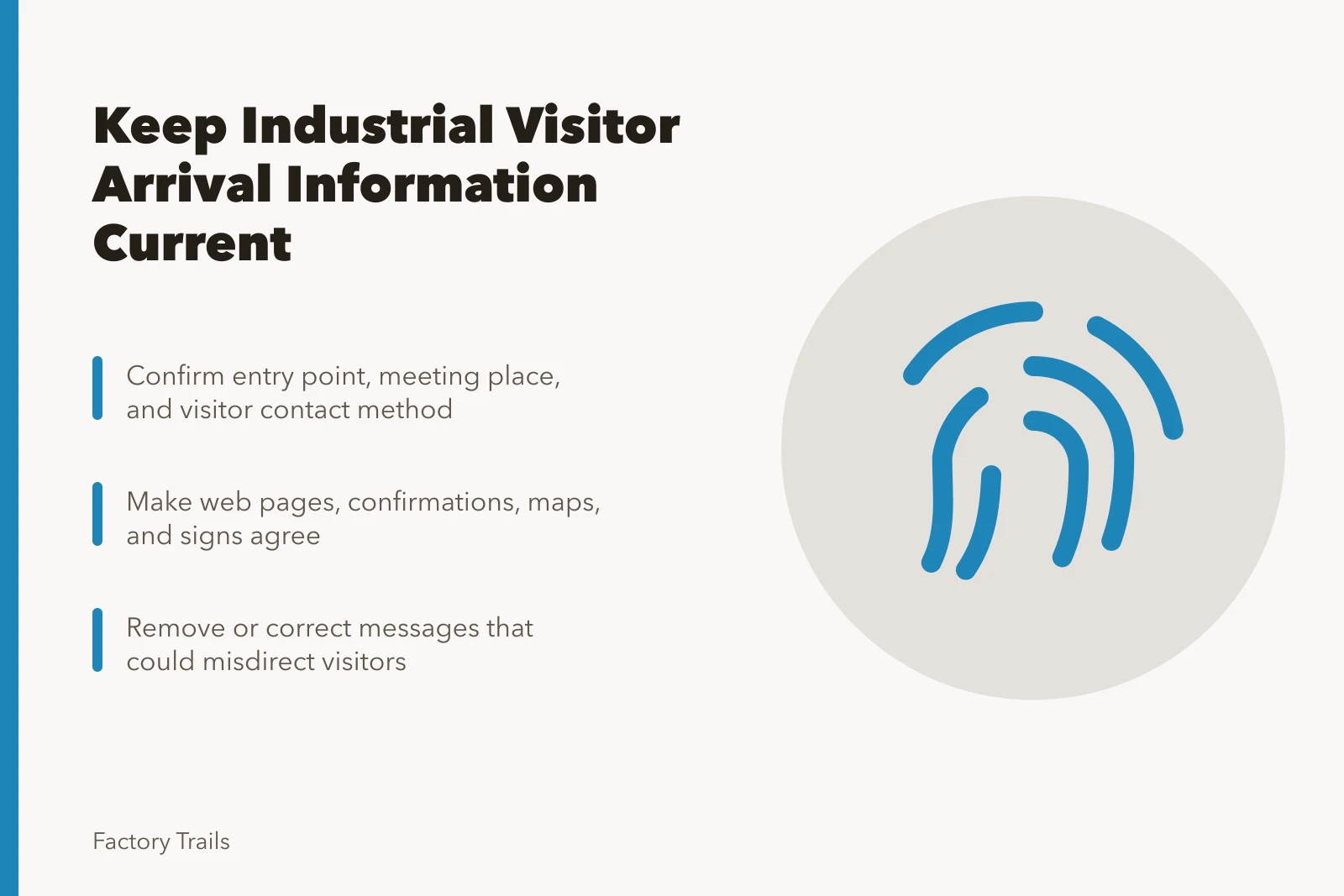
- Confirm the current entry point, meeting place, and visitor contact method.
- Confirm dates, hours, booking rules, and approved restrictions.
- Check that the route description matches the current site layout.
- Make sure web pages, confirmations, maps, signs, and host briefs agree.
- Remove private, controlled, or unapproved operational detail.
- Name where visitors get an update or ask for help.
- Assign an owner to review time-sensitive messages before each program period.
- Record the confirmation source and the next review date.
Pre-Visit Verification Checklist
- Confirm entry point, meeting place, contact
- Confirm dates, hours, booking, restrictions
- Check route matches current site layout
- Make web, maps, signs, host briefs agree
- Remove private or unapproved operational detail
- Assign owner to review time-sensitive messages
- Record confirmation source and next review time
The copyable arrival-information template
Each visitor message needs its own verification, not a general approval.
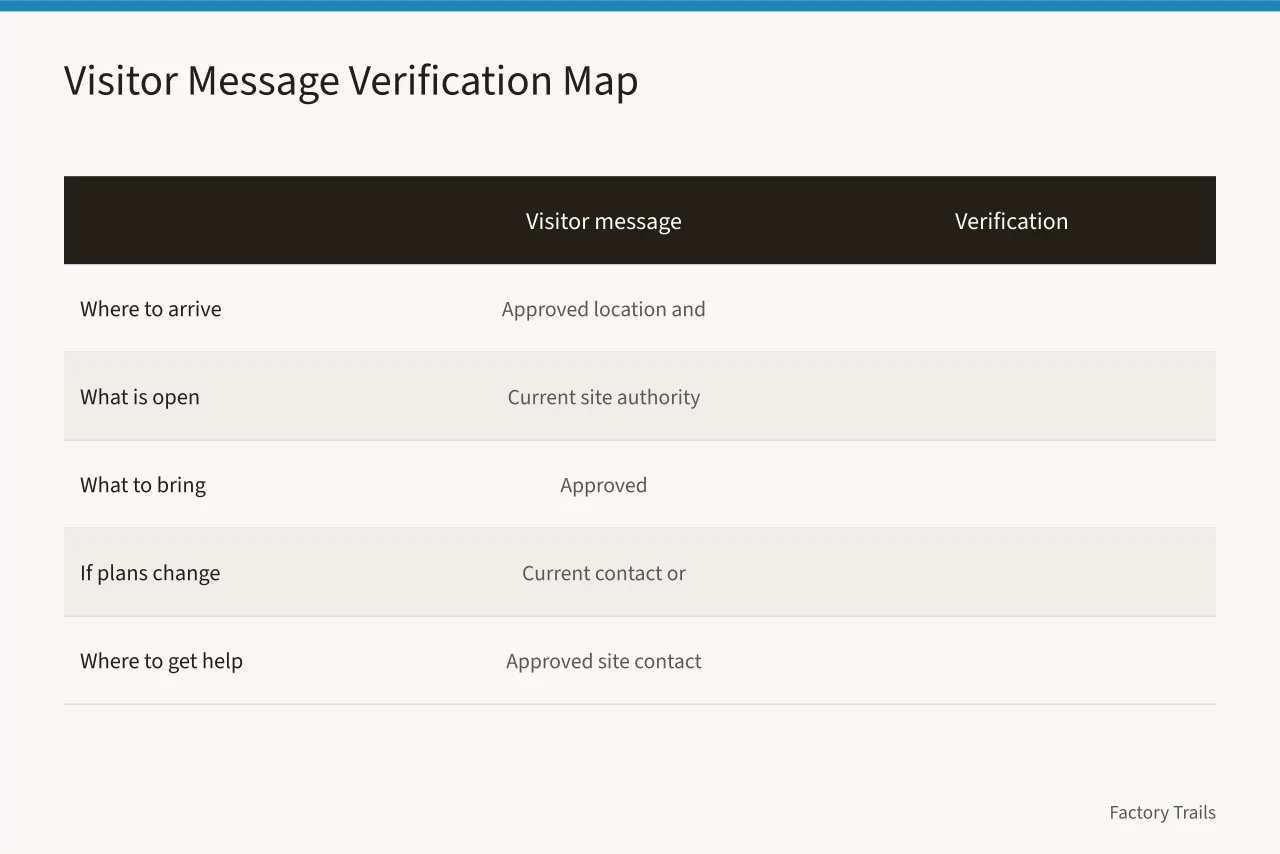
| Visitor message | Verification source | Owner | Confirmed | Next review |
|---|---|---|---|---|
| Where to arrive | Approved location and route | |||
| What is open | Current written confirmation | |||
| What to bring | Approved visitor requirement only | |||
| What to do if plans change | Current contact or cancellation rule | |||
| Where to get help | Approved contact or service point |
Five rows fit on one page. Fill the date columns before the season opens and re-check each row before every program period. A blank owner cell is an open task.
File the completed sheet as the record of what went public, and let the industrial site safety records guide pair that sheet with a dated change log.
Example: a gate change on 3 March 2027 and its correction
- 2 March 2027the site authority confirms that visitor check-in moves from the north gate to the east lobby for six weeks.
- 2 March, afternoonthe visit page and the booking confirmation go live with the east lobby.
- 3 Marchthe channel sweep finds a printed map still showing the north gate, and staff withdraw the stack.
- 3 Marchthe host script is updated before the first departure.
- 3 Marcha temporary sign at the north gate goes up with a removal date of 14 April.
- 15 Aprilthe map is reprinted, the sign is removed, and the whole sequence is logged.
The lesson sits in the sequence. A correction is not one edit. It goes out as a dated set of edits with one owner and one closing date.
Keep every channel in step after one change
Build the channel list before publishing any update. Mark each item changed, retired, or needing a temporary notice.
Channel / Action after an arrival change
- Public visit page
- Update the arrival line above all other copy
- Booking confirmation
- Regenerate and resend for affected dates
- Calendar listing
- Correct the meeting point text
- Printed map or guide
- Reprint, sticker, or withdraw the stack
- Host script
- Brief hosts before the next departure
- Welcome sign
- Replace or cover on the change date
- Phone or desk message
- Record a greeting with the effective date
Visitors rarely stay inside one channel. Someone reads the page at home and arrives holding a printed map. Every channel has to agree at the moment the visitor uses it. Correct a mismatch before the change counts as closed.
The common factory visit mistakes list covers mismatches that survive a single-channel fix.
Temporary notices and their removal
A temporary notice is a message with a lifespan. Give it five elements and it stops becoming permanent furniture.
- Effective date and time
- The approved instruction in one sentence
- The owner who may change it
- Where the current update lives
- Removal date and the person who removes it
The same discipline applies to a stale web banner or a recorded phone greeting. If nobody owns the removal, the notice survives past its purpose and contradicts the corrected page.
Sources worth citing
The National Park Service risk communication page treats safety messages as material shared through websites, social media, and print. That supports one wording used everywhere a visitor looks.
The Ready.gov business planning guidance puts communication inside organizational preparedness. Use it to justify naming an owner and a channel list. It does not hand emergency duties to the content team.
The National Archives web-records guidance treats change logs as the record of what a page said and when. Keep the log short: what changed, who confirmed it, which channels moved, and the next check date.
If a provider drafts your 2027 interpretation copy, brief them with these sources and the questions in our industrial interpretation provider selection guide.
Common questions
What belongs in a visitor-facing safety message?
Who approves a change to arrival or boundary information?
What do I do when a message might be wrong?
Does this checklist replace the site emergency plan?
In this guide
- How to write visitor arrival notes for industrial sites that guests actually followVisitor arrival notes for industrial sites in 2027 show U.S. teams how to publish clear entry, timing, contact, and update instructions for guests.
- Industrial site interpretation safety questions to sort before you answerIndustrial site safety questions for 2027 help visitor teams separate public arrival questions from operational or emergency matters that need site authority review.
- How to keep industrial site safety records that match the public pageIndustrial site safety message records guide for 2027 gives visitor teams a practical way to document approvals, updates, temporary notices, and review dates.