Guides
How industrial tour operators should keep booking records and access logs
Industrial tour operator records to keep in 2027 help U.S. buyers document route terms, costs, attendance, access requests, and changes with care.
What to take away
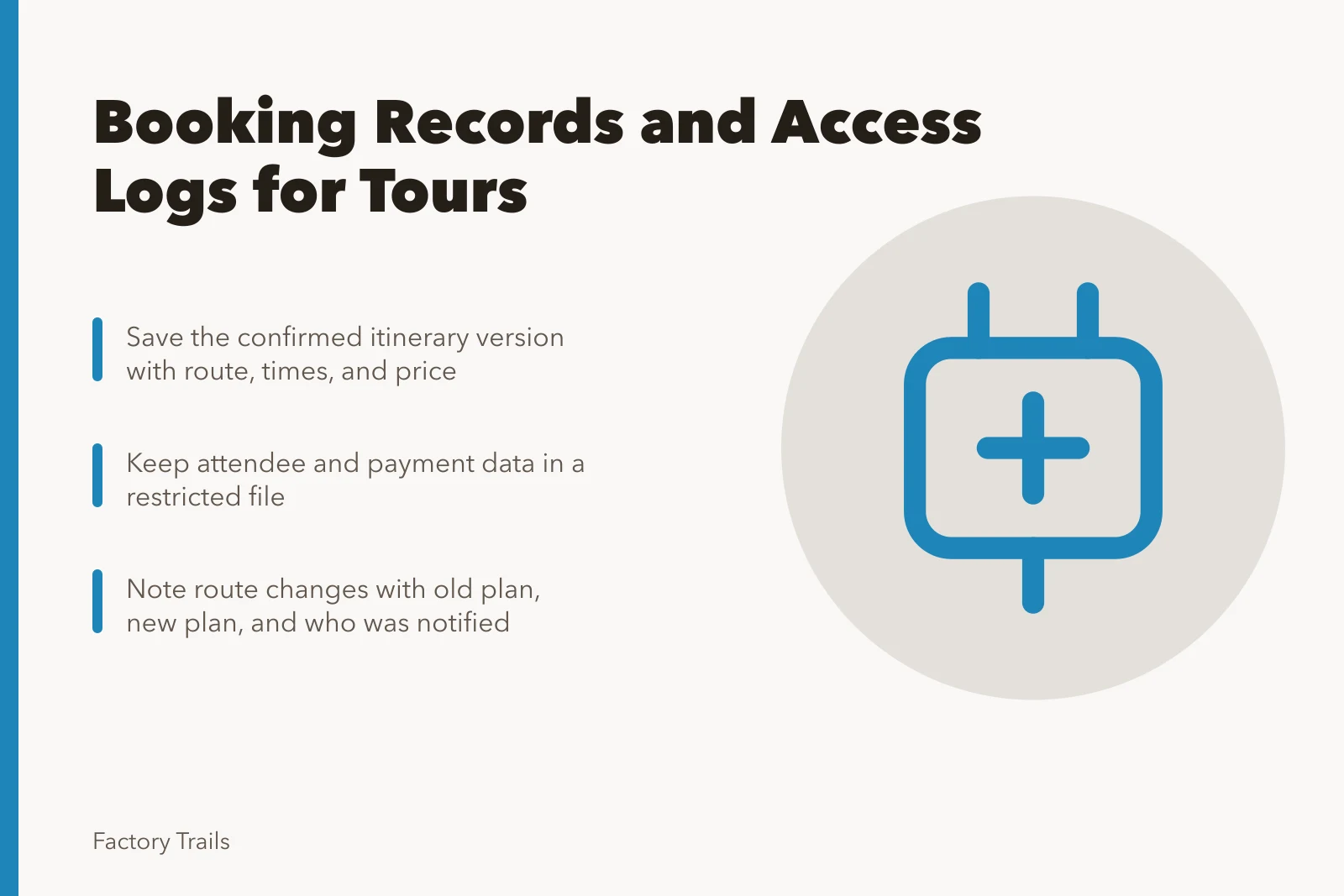
- Keep the confirmed route and terms, not only the booking receipt.
- Record material changes while they are still easy to verify.
- Limit access to attendee and payment information to people who need it.
An industrial tour booking may involve a guide, host facility, transportation provider, and group contact. A small, organized file keeps the plan from drifting as details change. It also helps the buyer explain what was booked, what the group needed, and what actually happened without reconstructing the day from email fragments.
Build one booking record
Start with the final proposal or agreement and save the version that the provider confirmed. Add the date, route name, meeting point, start and end time, headcount limit, price, payment timing, cancellation terms, and the responsible contact on both sides. If the route depends on a facility approval, record that condition in the same file.
Booking record fields
- Date and route name
- Meeting point and times
- Headcount limit and price
- Payment timing and cancellation terms
- Responsible contact both sides
- Facility approval condition
| Record | What it answers | When to update it |
|---|---|---|
| Confirmed itinerary | What the group was promised | After every material route change |
| Cost summary | What is included and excluded | When a fee or scope changes |
| Attendance count | Who is expected and who attended | At the booking cutoff and after the visit |
| Access note | What arrangement was requested or confirmed | When needs or route conditions change |
| Incident or change note | What changed and who was informed | As soon as practical after the event |
The Internal Revenue Service recordkeeping guidance explains that businesses should keep records supporting income and expenses. That tax guidance does not prescribe a tour file, but its practical lesson fits this work: retain the documents that support amounts, dates, and the reason for a transaction instead of relying on a summary created later.
The National Archives records-management FAQ index offers general material on records that can be identified and managed over time. It is not a retention schedule for a buyer's tour folder. It supports a simple practice: name files consistently, show the date and version, and make the current document easy to distinguish from earlier drafts.
Keep personal data separate
Attendee contact details, mobility information, dietary notes, and payment data should not be copied into a broad planning document. Keep only the information needed for the purpose, share it with the right people, and follow the provider's approved process. A roster can confirm attendance without becoming a general archive of personal details.
Operations vs restricted file
Operations file
- Route details
- Yes
- Timing
- Yes
- Staff contacts
- Yes
- Change notes
- Yes
- Attendee contact details
- No
- Mobility and dietary notes
- No
- Payment data
- No
Restricted file
- Route details
- No
- Timing
- No
- Staff contacts
- No
- Change notes
- No
- Attendee contact details
- Yes
- Mobility and dietary notes
- Yes
- Payment data
- Yes
Use two folders when possible: an operations file for route, timing, staff contacts, and change notes; and a restricted file for information that needs a smaller audience. The U.S. Small Business Administration information-quality page describes records through creation, maintenance, use, and disposition. That sequence is a useful way to decide when an old contact list should leave an active planning file.
Write down changes in plain language
When a loading area, route stop, staff member, or weather plan changes, make a dated note. State the old plan, the new plan, why it changed, and who was notified. This is more useful than a long message chain because anyone reviewing the booking can see the final operational decision.
Keep route changes exact. Write "second-floor viewing area removed at 2:00 p.m.; guide uses ground-floor display instead" rather than "tour updated." That level of detail lets the group leader, provider, and host confirm that they are working from the same arrangement. It also makes a later review faster because the final decision is not buried in messages.
- Create a booking folder before the provider is selected.
- Save the confirmed terms and the current itinerary.
- Add a dated note whenever a material detail changes.
- Close the file after the tour with attendance, issue, and invoice notes.
Review after the visit
A five-minute review can improve the next booking. Note whether the route matched the description, whether timing was realistic, which instructions worked, and which costs were different from the estimate. Keep factual observations separate from opinions. The record should help the next decision, not become a vague rating.
If the visit involved transportation, save the final invoice and the related approval with the booking record. The IRS publication on travel and transportation expenses discusses records used to substantiate transportation expenses. It does not decide treatment for every tour expense. It does support keeping the date, supplier terms, and amount close to the operational reason for the cost.
Close the file with a short index
At the end of the booking, make a one-page index listing the confirmed itinerary, final attendance count, invoices, change log, post-visit note, and storage location for restricted information. The index does not need personal details. Its purpose is to let the next responsible person find the record without opening every document.
Common questions
How long should tour booking records be kept?
Retention depends on the organization's policy, contract, accounting needs, and applicable requirements. Use the policy that applies to your organization.
Should the operator keep the same records as the buyer?
Not necessarily. Each party needs records appropriate to its role, but both benefit from a clear shared confirmation of the route and terms.
What is the first record to save?
Save the confirmed itinerary and terms, because they establish the starting point for later changes.