Costs
Part of Working factory visits: 8 mistake prevention fixes for 2027
Factory visits: a 2027 budgeting guide for mistake prevention with cost lines
Budget factory visit mistake prevention for 2027 with real cost lines: software seats, host time, translation, reprints, and a worked example.
What to take away
- Put visitor-program mistake prevention in its own 2027 cost lines, separate from plant operations.
- Use published list prices for software and dated hourly rates for staff, and write both beside the numbers.
- Track how often the same correction repeats. Six repeats of one stale map cost more than the template that ends them.
- Keep the quote, the assumption, the approval and the closeout note together so a later coordinator can see why a line exists.
- Technical, safety and facility work sits in a different budget. This estimate covers coordination only.
Build the 2027 lines
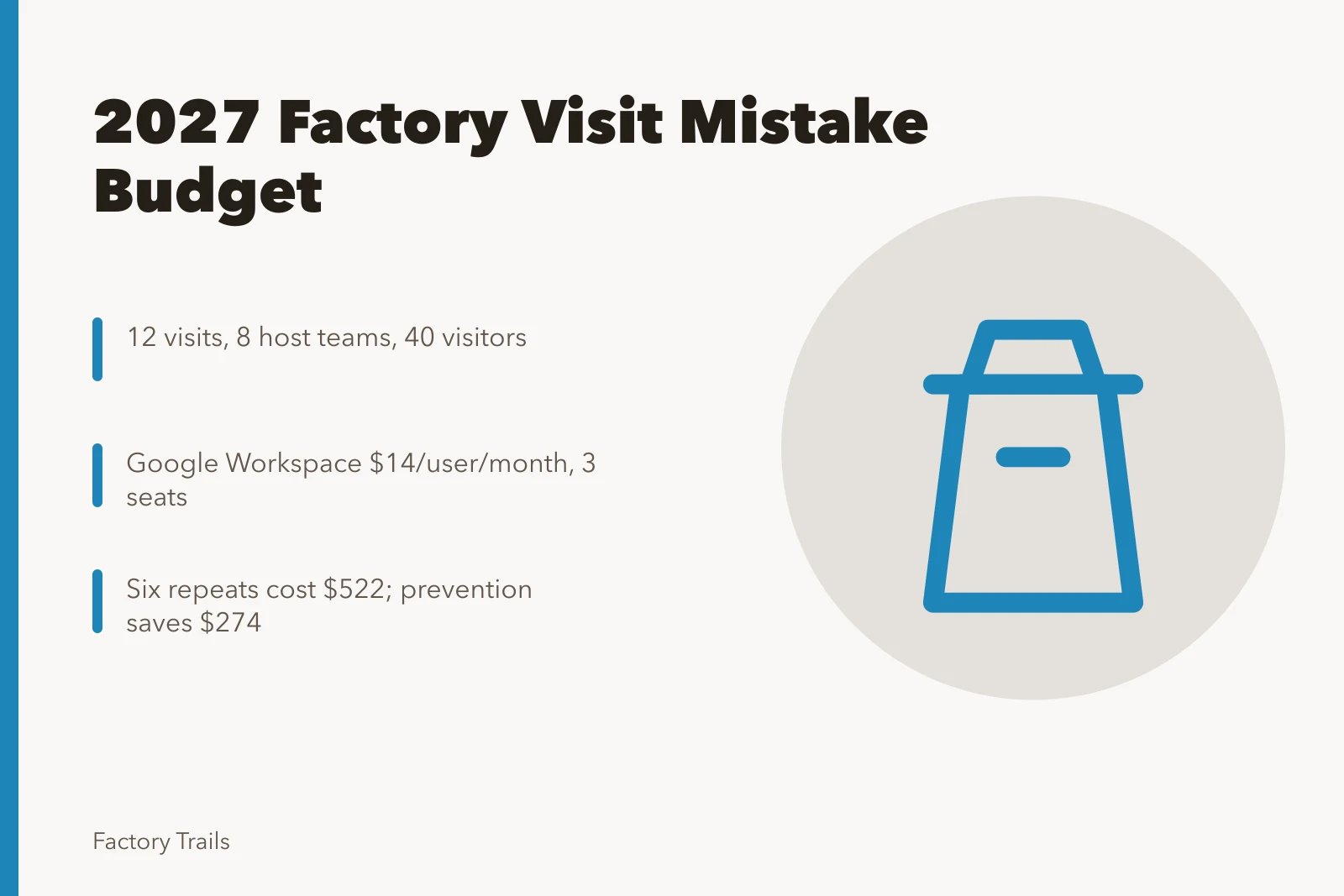
Start with the shape of the program, not the tools. The example below assumes 12 visits, 8 host teams and 40 visitors across the year.
2027 Budget Key Figures
- $4,267Total 2027 budget
- $3,879Subtotal
- $388Contingency at 10 percent
- 12Visits assumed
| Line | 2027 rate | Quantity | Annual cost |
|---|---|---|---|
| Google Workspace Business Standard | $14 per user per month | 3 seats | $504 |
| Calendly Standard | $12 per seat per month | 2 seats | $288 |
| DeepL Pro Starter | $9 per month | 1 seat | $108 |
| Rev captioning | $0.25 per minute | 120 minutes | $30 |
| Canva Pro | $119.99 per year | 1 seat | $120 |
| Revised map printing | $1.10 per map | 150 maps | $165 |
| Host brief preparation | $38 per hour | 18 hours | $684 |
| Coordinator time | $32 per hour | 50 hours | $1,600 |
| Closeout review | $38 per hour | 10 hours | $380 |
| Subtotal | $3,879 | ||
| Contingency at 10 percent | $388 | ||
| Total 2027 budget | $4,267 |
The Small Business Administration's startup-cost article makes the point that an estimate depends on the specific work. Substitute your own seat counts, visit numbers and local rates.
The tools behind each line
These are public list prices, not endorsements. Check current terms before you sign anything.
Tool List Prices Compared
Tool
- Google Workspace
- $14/user/month
- Calendly
- $12/seat/month
- DeepL Pro
- $9/month
- Rev
- $0.25/minute
- Canva Pro
- $119.99/year
- Eventbrite
- 3.7% + $1.79
List Price
- Google Workspace
- Shared briefs
- Calendly
- Booking cutoffs
- DeepL Pro
- Translates messages
- Rev
- Captions briefings
- Canva Pro
- Maps and signs
- Eventbrite
- Registration
What It Does
- Google Workspace
- Calendly
- DeepL Pro
- Rev
- Canva Pro
- Eventbrite
- Google Workspace Business Standard lists at $14 per user per month. It keeps shared visitor briefs and version history in one place, so a host reads the current one.
- Calendly Standard lists at $12 per seat per month. It sets booking cutoffs, buffers and reminder flows, which is where late group data gets caught.
- DeepL Pro Starter lists near $9 per month. It translates visitor messages inside a monthly character limit.
- Rev lists captioning from $0.25 per minute. It produces transcripts of recorded host briefings.
- Canva Pro lists at $119.99 per year for one person. It holds maps, signs and visitor templates in a brand kit.
- Eventbrite lists U.S. fees at 3.7 percent plus $1.79 per paid ticket. It handles registration and reminders.
Prevention against repeat correction
One stale map corrected twice costs about $32 in coordinator time and $55 in reprints, or $87 per repeat. Six repeats reach $522.
A maintained map template costs $120 for Canva Pro plus four coordinator hours at $32, or $248. In this example the prevention line saves $274.
Track the actual time spent correcting the same issue. If several groups need a revised map, fund a better approved confirmation template. If host time rises because group data arrives late, move the booking cutoff. The aim is to stop repeat work, not to assign blame.
When the team buys translation or accessible formats, save the quote and the approved request. That keeps optional guest support out of a general communications line, and it makes the next estimate easier to explain. Keep visitor information current and approved before it reaches a host.
Scope, and the number you record
Separate preparing, confirming, correcting and closing out a visitor program from facility operations. The GAO Cost Estimating and Assessment Guide describes documented scope, assumptions and cost elements. A small program can record staff time, vendor work, materials and revisions.
The General Services Administration cost-management guidance addresses scope, funding and cost changes. Note whether a correction came from a changed request, an outdated message, a vendor error or a new facility instruction. That keeps a general contingency line from hiding what actually changed.
The National Archives records-management profile guidance treats recordkeeping as part of program management. Keep the quote, assumption, approval, final invoice and a short closeout note together. A later coordinator can then see why an expense appeared and whether it belongs in a future estimate.
Review it after the visit
Compare planned coordination work with what happened. Did a late correction force a reprint? Did one request need more host time? Was an optional task never used? Write the difference down without turning it into a claim about facility costs.
Put a short note beside each variance: the original assumption, the actual task, and whether it will recur. Several corrections traced to the same handoff gap may justify changing the preparation budget. That distinction stops the team from treating every extra hour as routine.
Common questions
Is a canceled visit always a visitor-program cost?
No. Record only the coordination work the program owns. Facility decisions belong in their own budget.
Should this budget include technical safety equipment?
No. That sits outside a visitor-program mistake-prevention estimate. Ask the plant's safety officer which budget carries it.
What makes a 2027 estimate credible?
It states the work, the date, the source, the assumption and what the number excludes. It also shows the rate and quantity behind every line.